xTool F2 Ultra UV Laser and AP2 Setup
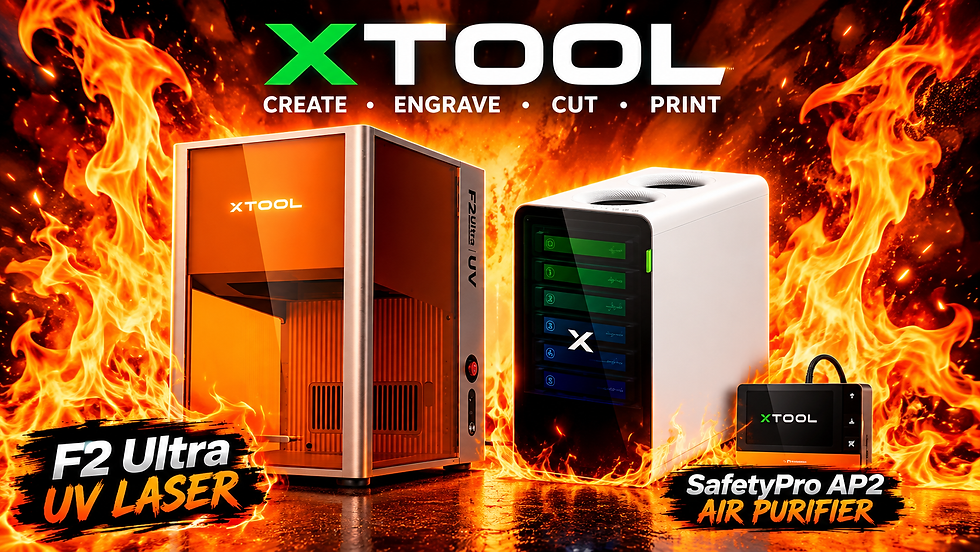
In this video, we’re setting up the xTool F2 Ultra UV Laser and xTool AP2 and taking a look at the setup process from start to finish!
We’ll walk through the assembly, connections, software setup, and initial configuration so you can see what’s involved in getting the F2 Ultra UV Laser ready for your laser crafting projects.
We’ll also cover the AP2 setup, how it integrates with the laser workflow, and some of the important things to check before starting your first engraving or marking project.
Whether you’re new to UV laser technology or adding the xTool F2 Ultra to your existing laser workspace, this video will give you a practical look at the setup process.
In this video:
• xTool F2 Ultra UV Laser setup
• xTool AP2 setup and configuration
• Connecting and preparing the equipment
• Software and initial settings
• Workspace setup and preparation
• Tips for getting started with the F2 Ultra UV Laser
• Preparing for your first UV laser project
If you’re interested in laser engraving, UV laser technology, xTool machines, or expanding your laser crafting capabilities, be sure to watch the entire video!
👍 Like the video if you found it helpful!
💬 Comment below with your questions or what you would like to see tested on the xTool F2 Ultra.
🔔 Subscribe for more laser engraving, crafting, 3D printing, and maker projects. #xTool #F2Ultra #UVLaser #xToolF2Ultra #xToolAP2 #LaserEngraving #UVLaserEngraving #LaserCrafting #xToolLaser #LaserSetup


Comments